
Python Based G-Code Creator
I have begun to learn Python and have started developing a simple G-Code creator for CNC machining.
These are based on simple G-Code programs that I have typed out many many times over the years, hopefully I can buld this into something that will help others who are starting out learning CNC.
Currently, I have implemented three basic shapes: rectangles, interpolated circles, and hexagons. Each shape has its own section where you can input the necessary parameters such as dimensions and tool information. The generated G-Code can be copied to the clipboard for easy use in CNC machines.
The Rectangle I feel is fairly self explanatory, and produces a program very similar to the built-in software of an XYZ milling machine.
The Interpolation program, is something that I have used for many years on Haas machines. It is good for milling holes of multiple sizes with one size tool. It is also the same code I use for thread milling. Just substitute the cut size for the thread pitch, hole size is the thread OD.
I added a hexagon generator, because this is something I have occasionally needed, and it's not always been easily accessible in my brain. At some point I'll add other regular polygons and bolt hole positioning.
I plan to add more shapes and features as time goes on. Also as I learn more Python I'll add any other projects I come up with.
It's also possible that I will be creating an Android app to host these codes.
Rectangle G-code Generator
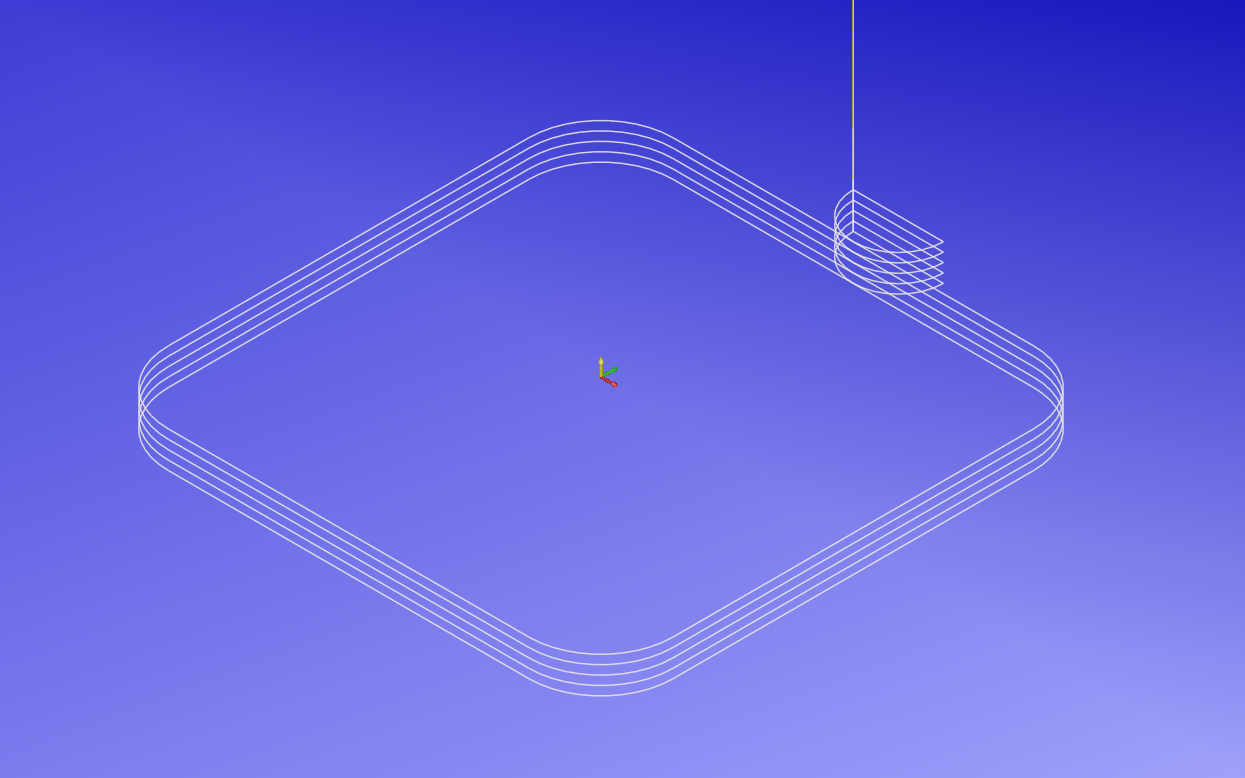
Enter your parameters below to generate G-code for a simple rectangle.
Generated G-code:
Rectangle G-code Generator (G41 Offset)
This code is similar to the Rectangle code above, but uses G41 to offset the tool according to the tool table.
This program will create G-code for a simple rectangle, utilising G41 to offset the tool, based on the parameters you input. Please follow the prompts to input the necessary parameters.
Generated G-code:
Interpolation G-code Generator
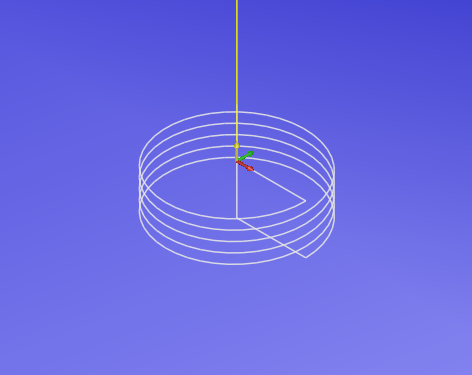
Enter your parameters below to generate G-code for hole interpolation or thread milling.
Generated G-code:
Hexagon G-code Generator
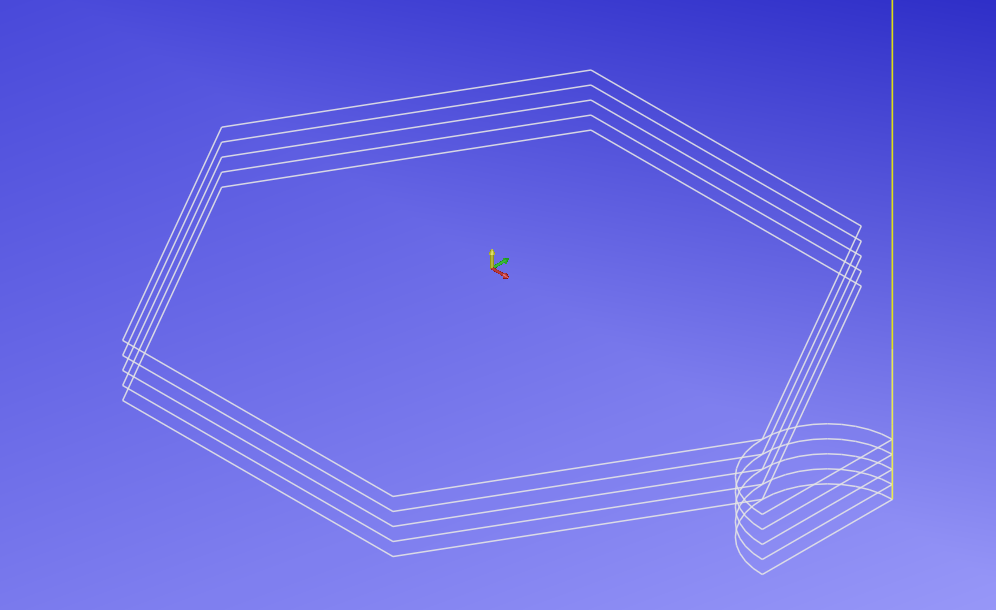
Enter your parameters below to generate G-code for milling a hexagonal profile.
Generated G-code:
Bolt Hole on PCD G-code Generator
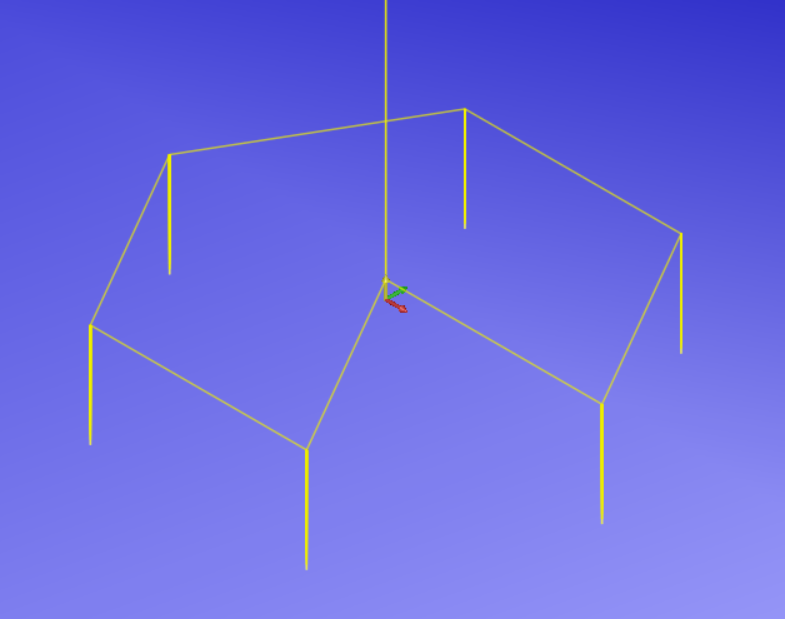
This program will create G-code for peck drilling a series of bolt holes based on the parameters you input. Please follow the prompts to input the necessary parameters.
Generated G-code:
Rectangle Pocket G-code Creator
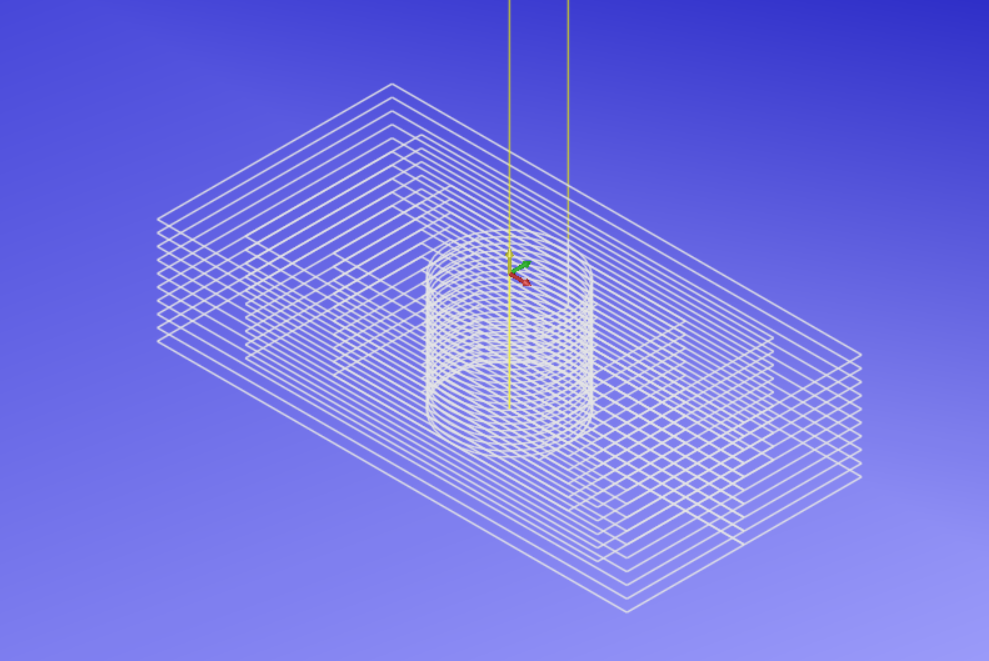
This program will create G-code for a simple rectangular pocket based on the parameters you input.
Generated G-code:
Circular Pocket G-code Creator
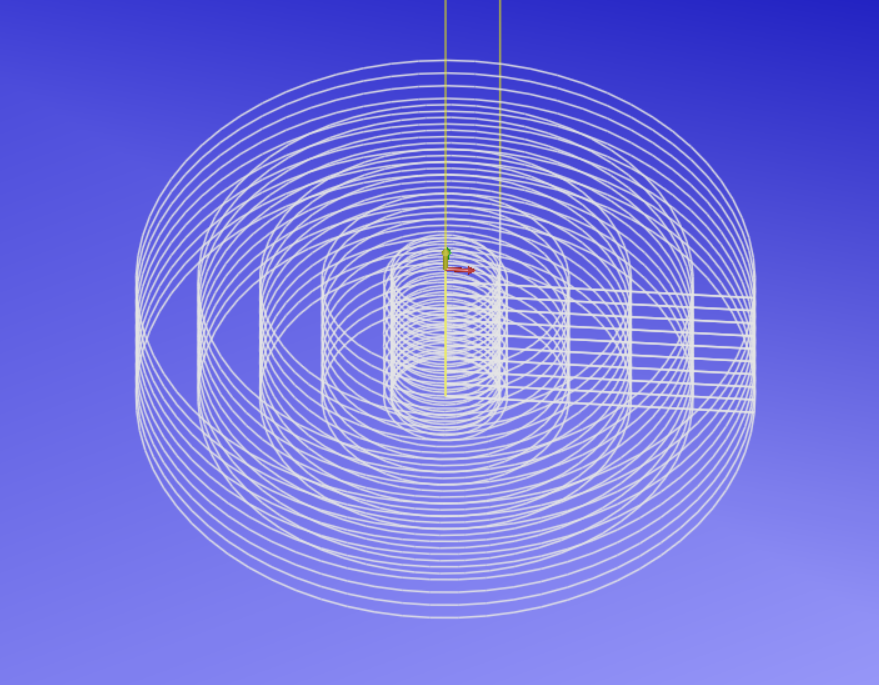
This program will create G-code for a simple circular pocket based on the parameters you input.
Generated G-code:
Rectangle Pocket with radius corners and tool offset (G41) G-code Creator
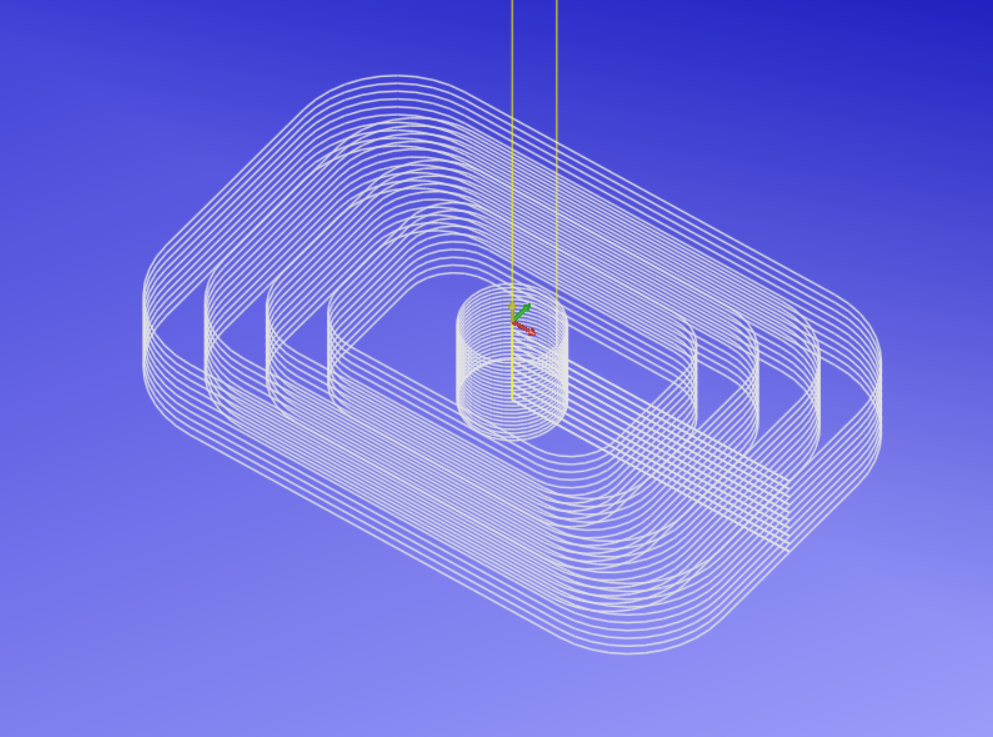
This program will create G-code for a more complex rectangular pocket based on the parameters you input.
It uses G41 for cutter compensation, which means the tool will be compensated to the left of the programmed path. This is useful for ensuring the correct pocket dimensions when using a tool with a specific diameter. you can also specify corner radii, must be larger that the tool radius.
Generated G-code: